
OFFICIAL WINBOX APP
Download the Winbox App
Fast install, secure and safe, and trusted by millions of players — get the official Winbox app for Android or iOS in under two minutes.
Register Now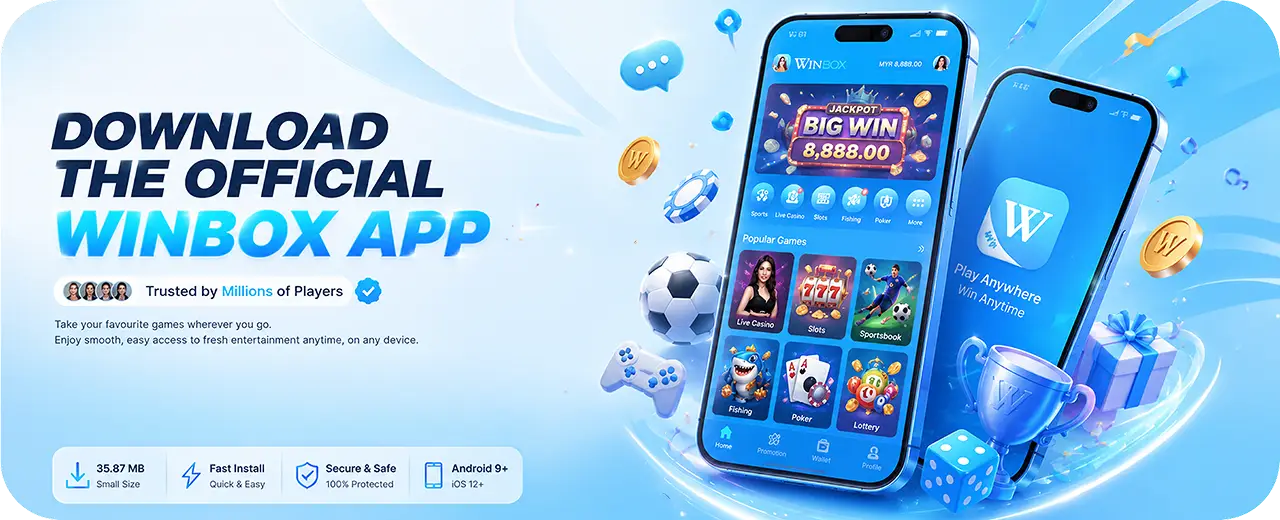


 Trusted by millions of players
 Android 9+ / iOS 12+35.87 MB — small, fast install
The Complete Guide to Downloading Winbox
Everything you need to install the official Winbox app safely on Android or iOS, plus how it compares to playing on the mobile web version.
Why Download the Official Winbox App
While Winbox is fully playable through a mobile browser, downloading the official app gives players a noticeably smoother experience — faster load times, quicker navigation between live casino, slots, sports and lottery sections, and push notifications for promotions like the Daily Lucky Draw or Lucky 7 Boost Bonus that you might otherwise miss.
The app is also built to work reliably on typical Malaysian mobile connections, with a lightweight install size that doesn't strain older devices or limited storage. For players who use Winbox regularly, the app removes the extra step of opening a browser and navigating to the site each time, replacing it with a single tap from the home screen.
How to Download Winbox for Android
Downloading Winbox on Android starts on this Download page — tap the Android download button to begin downloading the official APK file directly to your device. Because the file comes from outside the Google Play Store, your phone may prompt you to allow installation from unknown sources the first time; this is a standard Android security step, not an error.
Once the setting is enabled, open the downloaded APK file from your notifications or file manager and follow the on-screen prompts to complete installation. The whole process typically takes less than two minutes on a stable connection, after which the Winbox icon will appear on your home screen ready to log in or register.
How to Install Winbox on iOS
iOS installation works a little differently from Android due to Apple's stricter app distribution rules. From this Download page, tap the iOS download option and follow the guided installation steps, which may include trusting the Winbox developer profile in your iPhone's Settings app under General > VPN & Device Management before the app will open.
Once trusted, the Winbox app installs and functions identically to the Android version — same games, same account, same promotions — giving iPhone users full access to the platform without needing to rely solely on the mobile browser version.
System Requirements for the Winbox App
The Winbox app is built to run on a wide range of devices. On Android, it requires Android 9.0 or above, with the install file sized at roughly 35 MB, making it a quick, low-impact download even on budget devices or slower mobile data connections.
On iOS, Winbox supports iOS 12 and above, covering the majority of iPhones still in active use today. Both versions are actively maintained with regular updates to keep performance smooth and compatibility current with newer operating system releases.
Winbox App vs the Mobile Web Version
The Winbox app and the mobile web version share the same core game library, account system and promotions — the choice between them mostly comes down to convenience and performance preference. The app tends to load faster after the first install, supports push notifications, and keeps a persistent icon on your home screen for one-tap access.
The mobile web version, by contrast, requires no download or storage space at all and works instantly in any modern mobile browser, making it a good option for players who want to try Winbox before committing to an install, or who simply prefer not to download apps outside official app stores.
Troubleshooting Common Winbox Download Issues
If the Winbox APK won't install on Android, double-check that "Install unknown apps" is enabled for the browser or file manager you used to download it, and confirm your phone is running Android 9 or newer. A failed or interrupted download can also cause install errors — try re-downloading the APK from the official Download page if the file seems corrupted.
On iOS, if the app won't open after installation, it usually means the developer profile hasn't been trusted yet in Settings. If problems persist on either platform after following these steps, Winbox's 24/7 customer support team can help troubleshoot device-specific issues via Live Chat, WhatsApp or e-mail.
Download Safety — Always Use Official Sources
Because the Winbox APK is distributed outside the Google Play Store, it's important to only download it from the official Winbox website's Download page. Third-party app repositories and unofficial links can host outdated, modified or unsafe versions of the app that may compromise your account or device security.
A simple rule of thumb: if a download link didn't come directly from Winbox's own website or official app, treat it with caution. Bookmarking this Download page is the safest way to make sure you're always installing the current, genuine version of the Winbox app.
App Download Frequently Asked Questions
Common questions about installing the Winbox app.
Get the Winbox App Today
Download for Android or iOS and take Winbox with you wherever you go.